 Browse Design Templates
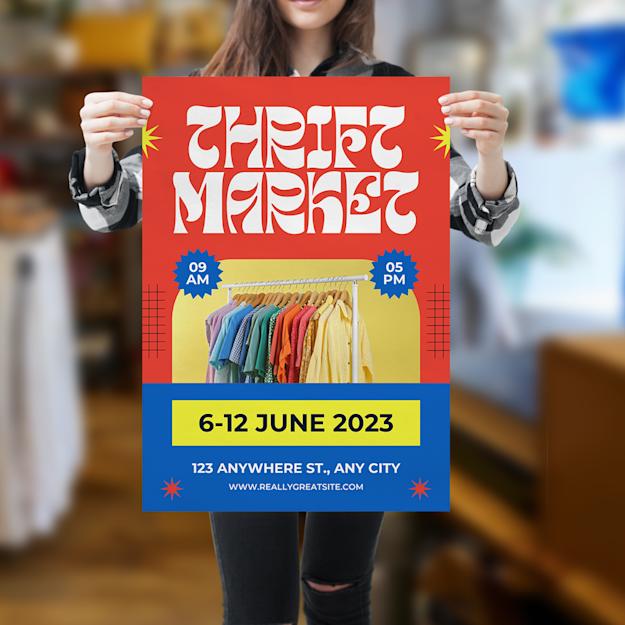


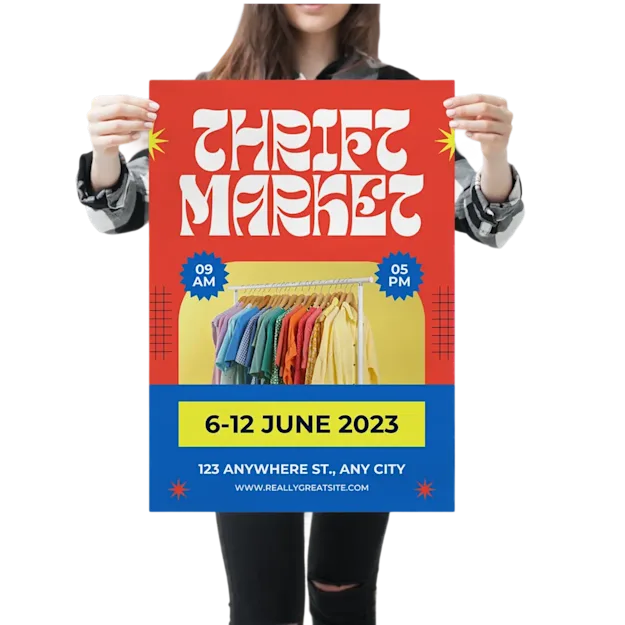
Free Design templates for your poster prints
Choose from over 10.000 free poster design templates and truly make it your own design.


Looking for an effective way to spread the word about your brand or event? Look no further than A2 poster printing! A2 poster sizes are... Show all quantities
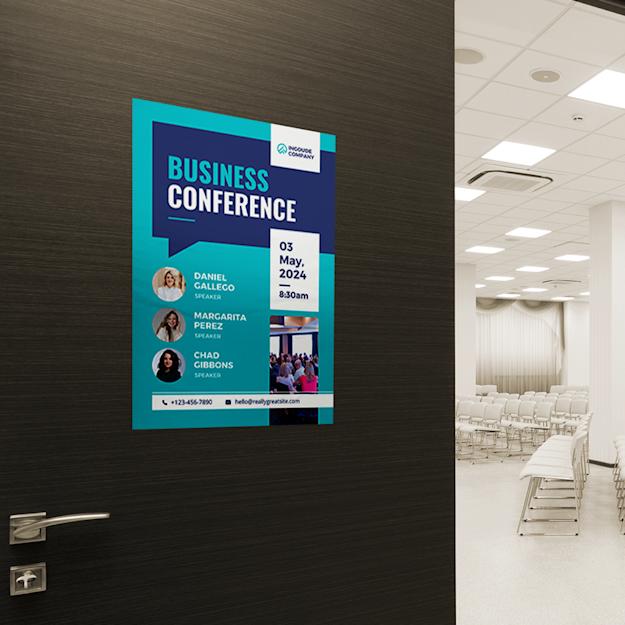
Looking for an effective way to spread the word about your brand or event? Look no further than A2 poster printing! A2 poster sizes are perfect for promotions, striking the balance between being attention-grabbing from a short distance while remaining convenient to carry and set up. By placing them in high-traffic areas, you can significantly enhance your brand's exposure, attracting a larger pool of customers. Moreover, A2 poster printing offers ample space for a well-crafted design and impactful yet concise text. Don't hesitate to opt for A2 poster printing to make a lasting impression!
Eco-Friendly options available - learn more
This product offers eco options. Read more on what these options are made from.
A2 Posters
100% recycled material - Learn More
100% recyclable material - Learn More
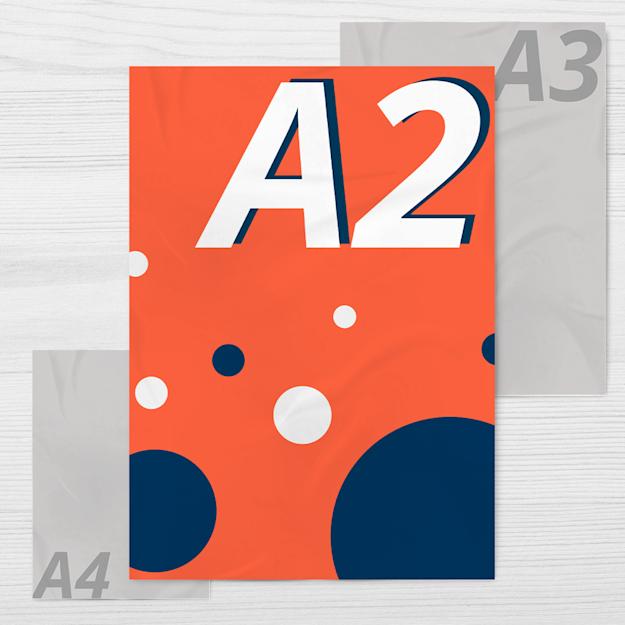
| Maximum Capacity | A2 (420 x 594 mm) |
| Material |
- 135 gsm & 250 gsm Gloss machine coated paper - 115 gsm Blueback paper - 170 gsm Water-resistant PVC - 190 gsm Photo paper |
| Finishing |
No extra finishing Matte laminated Gloss laminated |
| Print technique | High-quality digital print |
| Printing options | Full colour |
| Single-sided | Double-sided | |
| Packaging | Delivered flat or rolled in a box |
| Quantity | Available from 1 piece |
You can download our guides and templates in the template section. Remember to delete the template layers before exporting your design to PDF.
If you already have a design, no worries; we accept other file formats, including JPEG, PNG, or EPS.
For photographic content, high-resolution JPEGs are recommended, preferably without compression. For graphics or text-based content, we recommend print-ready, vector-based PDFs. For content that is a combination of graphics and photography, we suggest using print-ready PDFs to ensure the best quality.
Prepare your files using CMYK as the colour mode, not RGB. Use colourmode FOGRA39 (ISO Coated v2). If you are unsure of the colour mode of your file, don't worry we can always convert this for you. Keep in mind this can cause the colours to differ from the original file.
Make sure the resolution of the images and graphics in your artwork are at least 300 dpi.
During production, there might be a slight cut deviation. To avoid any issues, we recommend the following:
For this product, the minimum font size is 6 pt. To avoid any issues, we recommend the following:
Note that we don't check spelling or typographical errors.
Lines should be at least 0.25 pt. Negative lines should be at least 0.5 pt.
Make sure no elements in your artwork are set on overprint unless you want this effect in your design. You can read more about overprint in our Help Centre.
Force Colour Images to CMYK with a 260% ink limit (in Photoshop > Convert Colour Profile > Photoshop 5 Default CMYK). Make sure the ink coverage isn't higher than 300%.
It is recommended to count with a margin of error when stacks of copies are trimmed during the production process. This slight cutting deviation is usually not noticeable, nevertheless, we recommend avoiding adding borders smaller than 20 mm in your design for any product smaller than an A4 (210 x 297 mm). Otherwise, the design might end up looking off-centre.
| Guide | |
| A2 (420 x 594 mm) | PDF Indesign |
Choose from over 10.000 free poster design templates and truly make it your own design.

Do you need help?
Access to 10.000+ design templates
Automatically save your designs
Easily access your designs later
New to HelloPrint? Sign up or continue as guest
Save your design, never lose your design progress
Signing up only takes a minute
Easily access added designs later
Already having an account for Helloprint? Login
By signing up, you agree to our terms of service en privacy policy
By signing up, you agree to our terms of service and privacy policy


Upload and approve your files before: Tuesday, 25 August 2026 12:30
Want to save the product for later and receive a quote?
Not ready to order yet? Get an instant quote via email to continue later or to send to your colleague or designer to order.
Portrait means the poster is taller than it is wide. The most chosen orientation for wall posters, with room for a title at the top and image below.

Landscape means the poster is wider than it is tall. Suited to wide images, panoramas or designs with lots of horizontal space.

Glossy: materials with a shiny, coated finish that makes colours look vivid and high-contrast. Ideal for photo-led designs; less suited to heavy text because of reflection.
The matte finish is quite subtle and is perfect if your design is text-heavy.

Outdoor: materials that resist water and weather, such as PVC and waterproof paper. Made for outdoor use, where the print has to withstand moisture and rain.

Writable: uncoated, untreated paper (offset) you can write on with a pen. Handy for prints you want to add to later or where people note something down.

Neon (matt): brightly coloured fluorescent paper with a matt, non-reflective finish. The striking colour stays readable without glare.
135 gsm Gloss: light, coated paper with a shiny finish that makes colours look vivid. Cost-effective for indoor posters in large runs.

170 gsm Gloss: coated paper with a shiny finish, firmer than 135 gsm. Colours come out vivid and the poster holds its shape better.

250 gsm Gloss: thick, card-like coated paper with a shiny finish. Sturdy and non-bending, suited to posters that need to last longer.

No finish: your print is delivered without any coating or lamination. The paper keeps its natural look and can be written on straight away.
Gloss lamination is a thin glossy film over the whole poster. It deepens colours, gives a shiny surface and protects against moisture and tearing. Great for photos.
Matt lamination is a thin matt film over the whole poster. Non-reflective and easy to read, with protection against moisture and tearing. Good for text-heavy or minimalist designs.
Single-sided printing means only the front is printed and the back stays blank. The most affordable choice for posters visible from one side.

Double-sided printing means both the front and back are printed. Handy for posters that are visible from two sides, such as in a window.


Show VAT