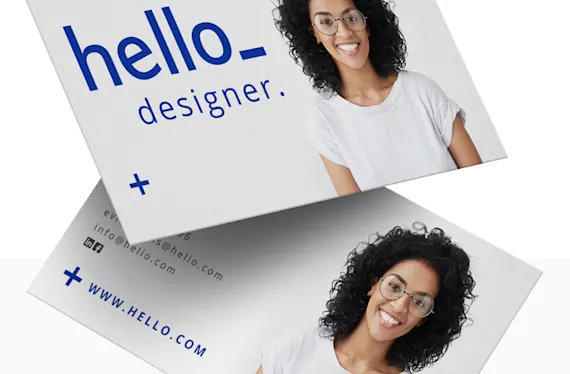

Make your brand memorable with business cards. When you’re networking at conferences or trade shows, you need to give potential partners and customers something to remember you and your brand by.
Business cards are simple but effective marketing tools that grab attention, introduce your brand, and leave a lasting impression. They are also what links you and your potential customer long after the networking event is over. In case they want to do business with you, they can contact you easily by referring to your business card.
Find out what to include in a business card from this list below:
Logo and Tagline
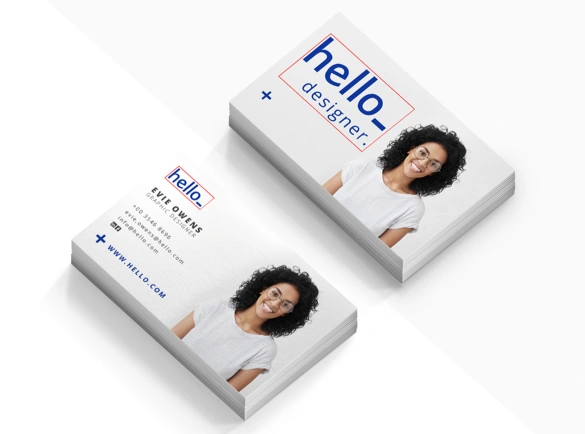
Your business card is an extension of your brand. You must include the company logo and, if available, the company tagline as well. You can also put it on the back of the business card.
People will immediately identify what your company does. It also fosters brand recognition as the recipient will remember your company whenever they see the logo in advertisements and promotions.
Name
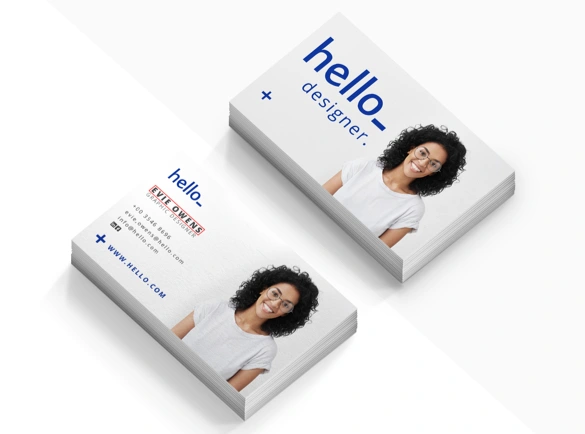
Business cards are one of the tools, which introduce you to people who might be potential clients. It’s important that your name is clearly visible on a business card.
Use your given or preferred name you use when conducting business. You want people to know what name to address you by. You will avoid awkward reintroductions and name corrections later on.
Functional Job Title
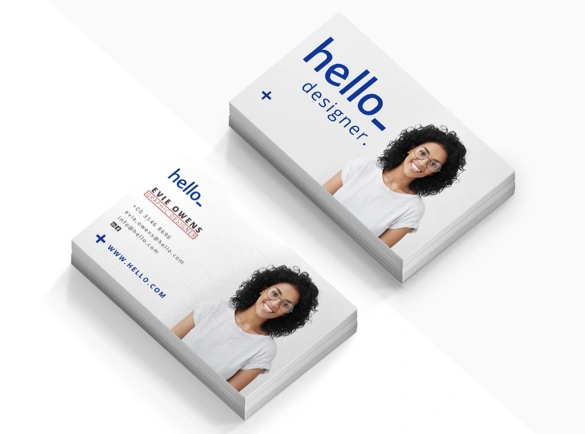
Include the formal job title you have at your company. Place it under your name.
In the case of freelancers, entrepreneurs, and small business owners, they play many roles in their respective businesses. Include the title that best describes your main function at your business.
For personal business cards, there’s no need to include a formal job title and employer. Instead, put in a short job description of what you want others to know or hire you for.
Contact Information
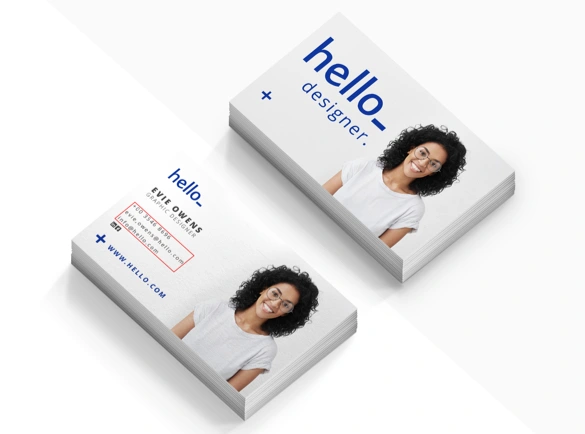
Your contact details are the backbone of your business card. Without it, it is just a piece of paper with your name on it.
Include the email addresses and contact numbers you frequently use for business transactions. Avoid using your personal contact details as much as possible. You want your customers to reach you through the correct channels that only you have access to.
Your Company Website
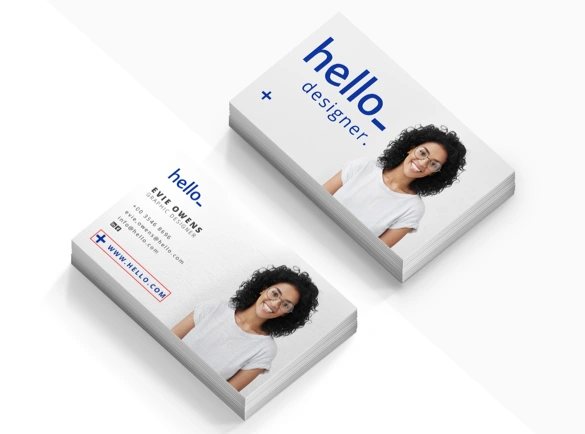
If your company has a functional website, feel free to include it in. Make sure the link directs your customers to a welcoming message, an introductory page or a video, where people can learn more about you. Make it a point to use URLs that are short and easy to type.
For freelancers, instead of putting your company website, include a link to your portfolio so that potential clients can see your body of work.
Pro-tip: Some examples of good business cards include QR codes people can scan. These codes will immediately direct you to their company website or online portfolio.
Social Media Profiles
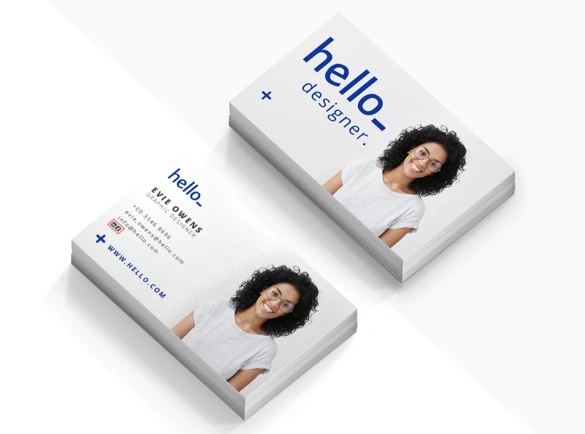
Social media is essential to all types of businesses whether they're traditional or virtual. It is the best way for people to get to know your business faster and easier. Another great thing about it is that you can engage directly with customers whether they have comments, questions, or suggestions.
Include only the essential social media channels that you use. Put the ones that are regularly updated with amazing content. There's no need to put all of your available social media channels.
Lastly, here are some business card design tips you need to know:
Less is more. You only have limited space in your business card. Include only the fundamental details that best represents your brand.
Make it readable. You want people to contact you without a hitch. The details on your business card should be big and clear enough to understand.
Use quality paper. Your choice of paper thickness and finish says a lot about your brand. Use a thick cardstock in your business card printing to appear more professional.
The first step in business card printing is easy, now that you know what to put on a business card. Create your own business cards that will grow your business!