


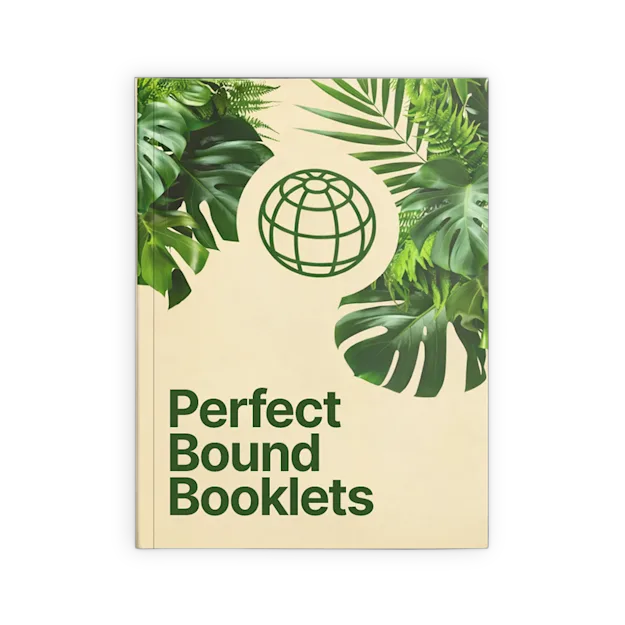
Perfect Bound Brochures 170x240mm 120 Pages

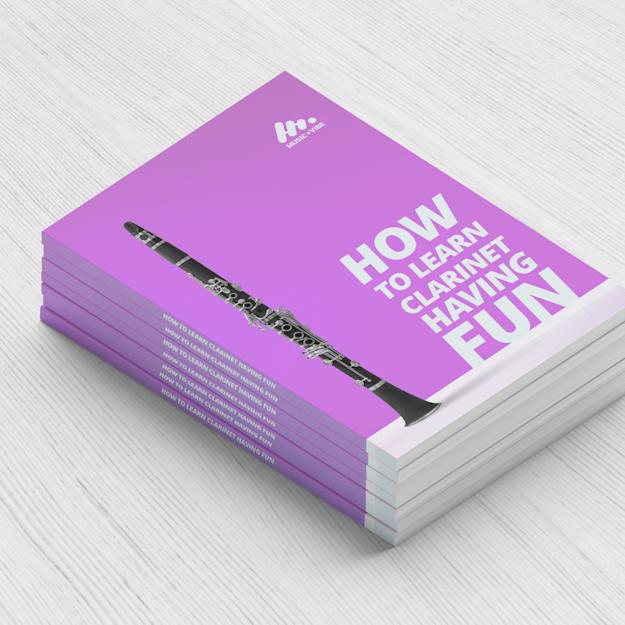


- Description
-
Present your content with confidence with our perfect bound brochures and books. Produced in 170x240mm and finished with 120 pages, this... Show all quantities
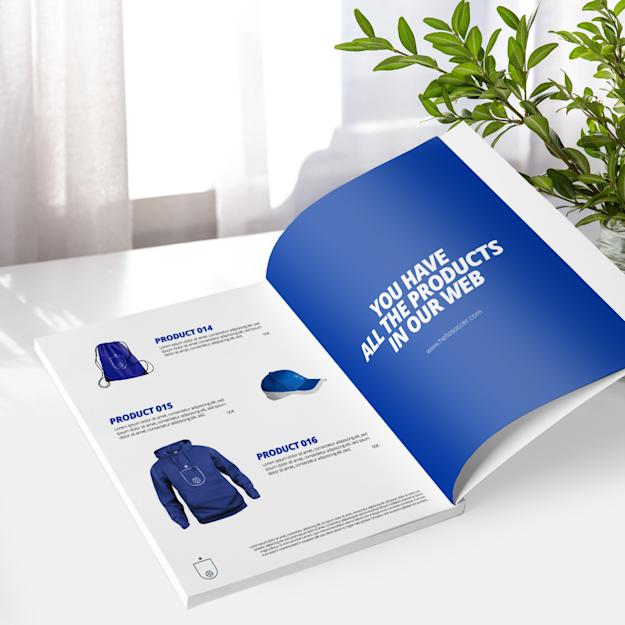
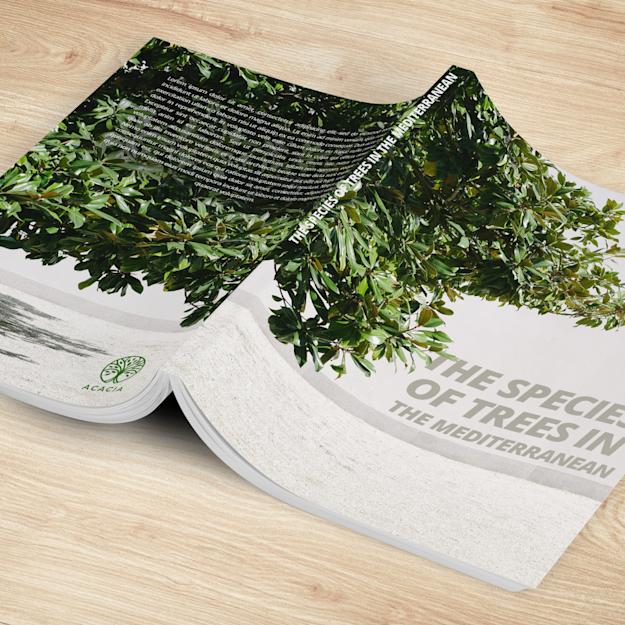
Present your content with confidence with our perfect bound brochures and books. Produced in 170x240mm and finished with 120 pages, this format works beautifully for catalogues, reports, magazines and high-quality brochures.
Perfect binding gives your publication a clean softcover finish, with pages firmly glued along the spine for strength and durability. The flat spine keeps everything neat and professional, while the pages turn smoothly for a comfortable reading experience.
Printed on premium paper and designed to last, these perfect bound books and brochures offer a refined look that suits everything from business presentations to retail distribution.
Order your 170x240mm perfect bound brochure or book with 120 pages today and bring your content together in a clear, professional format.
- Product specifications
-
Material 115, 135 & 170 gsm Gloss
- 115, 135 & 170 gsm Silk
- 90 gsm UncoatedPrint technique Digital | Offset Print Full colour
Double sidedCover Finishing Glossy | Matte Binding Perfect bound - Design guidelines
-
- We recommend using our templates and guides for preparing your print-ready PDF.
-
You can download our guides and templates in the template section. Remember to delete the template layers before exporting your design to PDF.
If you already have a design, no worries; we accept other file formats, including JPEG, PNG, or EPS.
For photographic content, high-resolution JPEGs are recommended, preferably without compression. For graphics or text-based content, we recommend print-ready, vector-based PDFs. For content that is a combination of graphics and photography, we suggest using print-ready PDFs to ensure the best quality.
- Layout tips for perfect bound booklets
-
These are some layout tips for perfect bound booklets:
- The spine area on the reverse of the cover is not printable, since it is where the interior pages will be glued.
- Note that the 1st interior page in the template will be on the right side of the final product’s spread.
- Given a 64 paged Perfect Bound booklet order: 60 interior pages + 2 spreads (cover / back cover on the first spread & first and last interior pages on the second spread) = 62 pages pdf file.
The width of the spine depends on the amount of pages and paper type you choose for your booklet. Here you can find an overview of the different spines widths that are needed:
Spine-of perfect bound brochures - Use CMYK as the colour mode.
-
Prepare your files using CMYK as the colour mode, not RGB. Use colourmode FOGRA39 (ISO Coated v2). If you are unsure of the colour mode of your file, don't worry we can always convert this for you. Keep in mind this can cause the colours to differ from the original file.
- Resolution of at least 300 dpi.
-
Make sure the resolution of the images and graphics in your artwork are at least 300 dpi.
- Add 3 mm bleed and keep 4 mm safety margin
-
During production, there might be a slight cut deviation. To avoid any issues, we recommend the following:
- Add a 3 mm bleed around all edges of your design.
- Keep important elements 4 mm away from the edge or folding lines.
- Avoid using borders or frames on smaller formats like labels or business cards.
- Text and fonts specifications (Min. font size is 6 pt)
-
For this product, the minimum font size is 6 pt. To avoid any issues, we recommend the following:
- Fonts must be embedded or outlined.
- If your design contains small black text, make sure it is 100 % black (Cyan: 0 Magenta: 0 Yellow: 0 Black: 100).
Note that we don't check spelling or typographical errors.
- Check line thickness.
-
Lines should be at least 0.25 pt. Negative lines should be at least 0.5 pt.
- Check your artwork for overprint.
-
Make sure no elements in your artwork are set on overprint unless you want this effect in your design. You can read more about overprint in our Help Centre.
- Make sure the ink coverage isn't higher than 300%.
-
Force Colour Images to CMYK with a 260% ink limit (in Photoshop > Convert Colour Profile > Photoshop 5 Default CMYK). Make sure the ink coverage isn't higher than 300%.
Guide PDF Spine Width Calculator PDF Thesis Portrait (170 x 240 mm) PDF Indesign A4 Portrait (210 x 297 mm) PDF Indesign A4 Landscape (297 x 210 mm) PDF Indesign A5 Portrait (148 x 210 mm) PDF Indesign A5 Landscape (210 x 148 mm) PDF Indesign A6 Portrait (105 x 148 mm) PDF Indesign Large square (210 x 210 mm) PDF Indesign Medium Square (148 x 148 mm) PDF Indesign A6 Landscape (105 x 148 mm) PDF Indesign - Ordering process
-
- Ordering with own design
-
Choose and configure: Choose the product, select your preferences and your desired delivery time.
Add to cart: Add to cart, review your preferences and edit/duplicate if needed. We recommend opting for Premium Artwork Check.
Checkout: Choose the delivery and invoice address.
Payment & design: Choose your preferred payment method in this step. You can also choose to upload your artwork first and pay at a later stage.
Design check: Upload your design. We'll send a digital proof for your approval before the order gets sent to production.
Sit back and relax!

Do you need help?
Login to your HelloPrint Account
Access to 10.000+ design templates
Automatically save your designs
Easily access your designs later
New to HelloPrint? Sign up or continue as guest
Create a free account or login
Save your design, never lose your design progress
Signing up only takes a minute
Easily access added designs later
Already having an account for Helloprint? Login
By signing up, you agree to our terms of service en privacy policy
Please fill in our form
By signing up, you agree to our terms of service and privacy policy
-
Gloss Coated
 Recommended
 -
Silk Coated

-
Woodfree Offset

-
Recycled Offset

-
Bio Top

-


Inner pages paper weight (gsm): 135 gsm Gloss Coated
Cover finish: Matte lamination


Quantity : 100
Prices mentioned are per design. For multiple designs, add multiple items to your cart. In order to keep our prices economical, we offer standard quantities. Are you looking for a higher quantity? Request a quote.
Estimated delivery date
Upload and approve your files before: Monday, 13 July 2026 10:30
Want to save the product for later and receive a quote?
Not ready to order yet? Get an instant quote via email to continue later or to send to your colleague or designer to order.

What paper can I use for my Perfect Bound Brochures 170x240mm 120 Pages?
-
-
Gloss Coated
The glossy finish gives the paper a subtle sheen. It's perfect for photographs as the colours show up quite vivid.

-
Silk Coated
The matte finish is quite subtle and is perfect if your design is text-heavy.
-
Woodfree Offset
This paper is uncoated, making it ideal for writing. It's perfect if you need your customers to write down information.
-


Inner pages paper weight (gsm)
What Cover Material Should I Choose?
Cover finish
Quantity
Delivery


Show VAT